
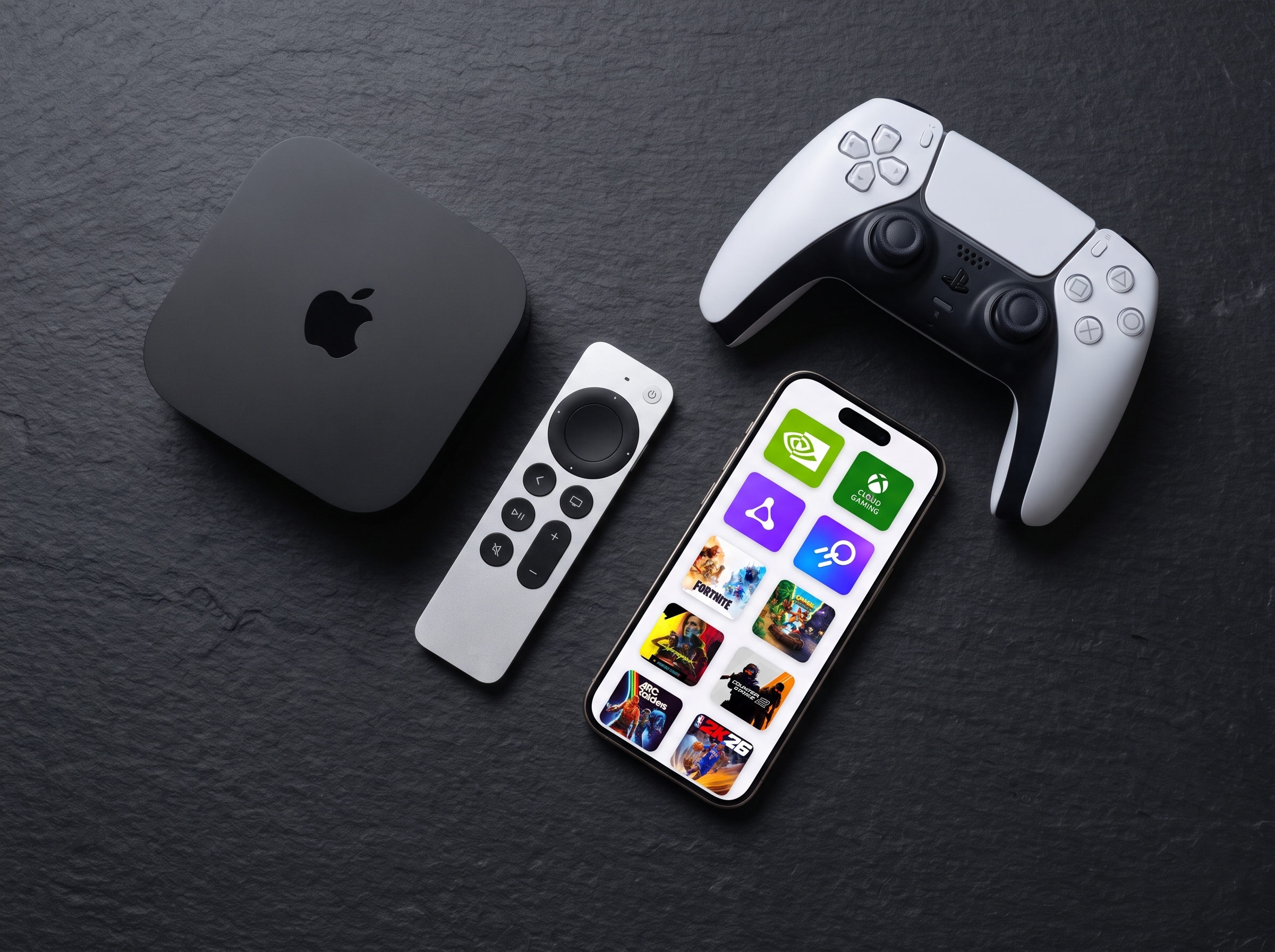
How to Set Up CloudGear on Apple TV
Pair your Apple TV with your iPhone or iPad, then play your cloud games on the big screen. Setup takes about a minute, plus the two settings that catch most people out.
Pair your Apple TV with your iPhone or iPad, then play your cloud games on the big screen. Setup takes about a minute, plus the two settings that catch most people out.
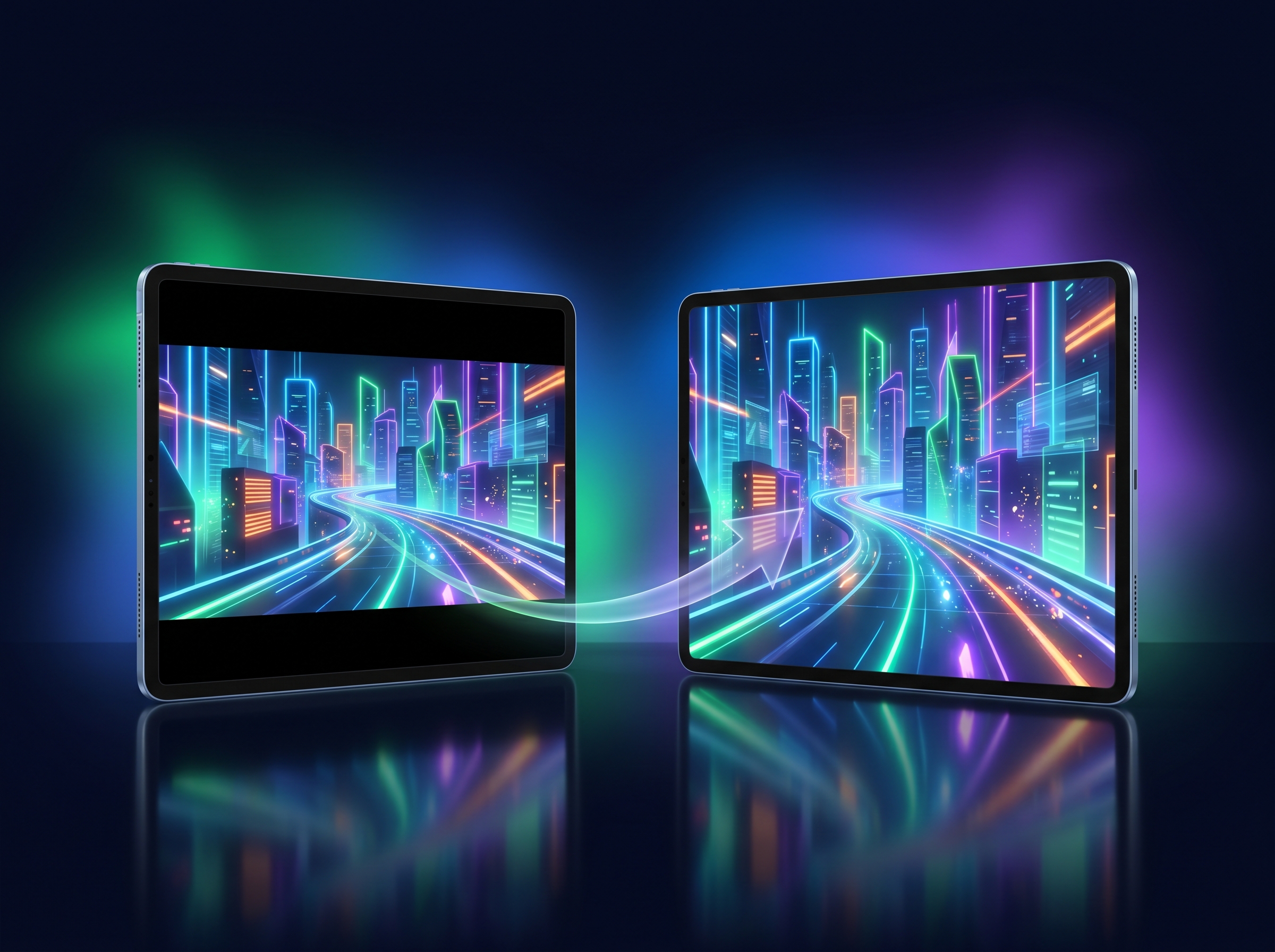
Black bars come from an aspect-ratio mismatch between the stream and your screen. They're normal — and CloudGear gives you several ways to remove them.
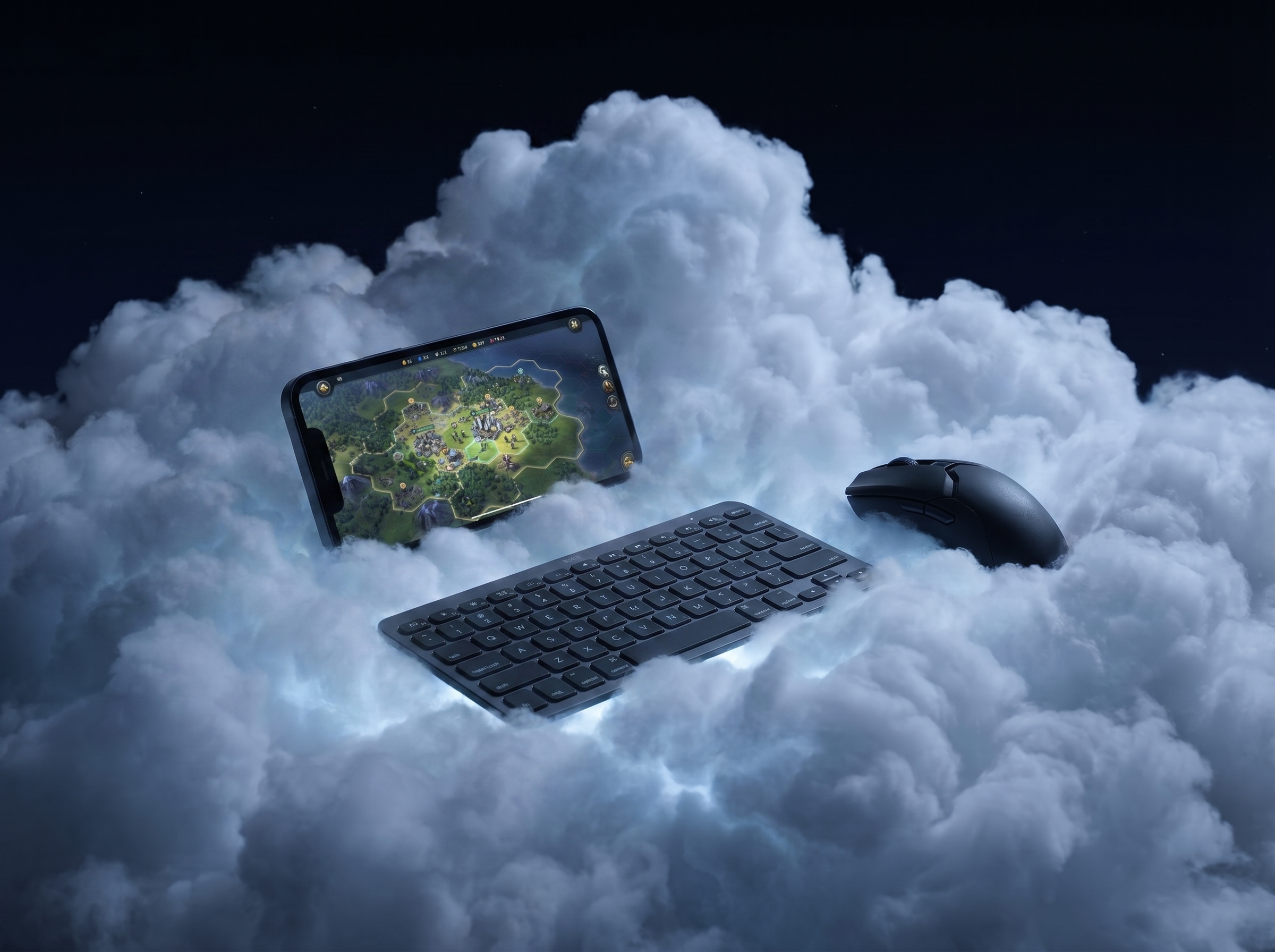
A mouse works on iPhone once AssistiveTouch is enabled — but iOS can't hide the system cursor. Here's the full setup and the best ways around the double cursor.
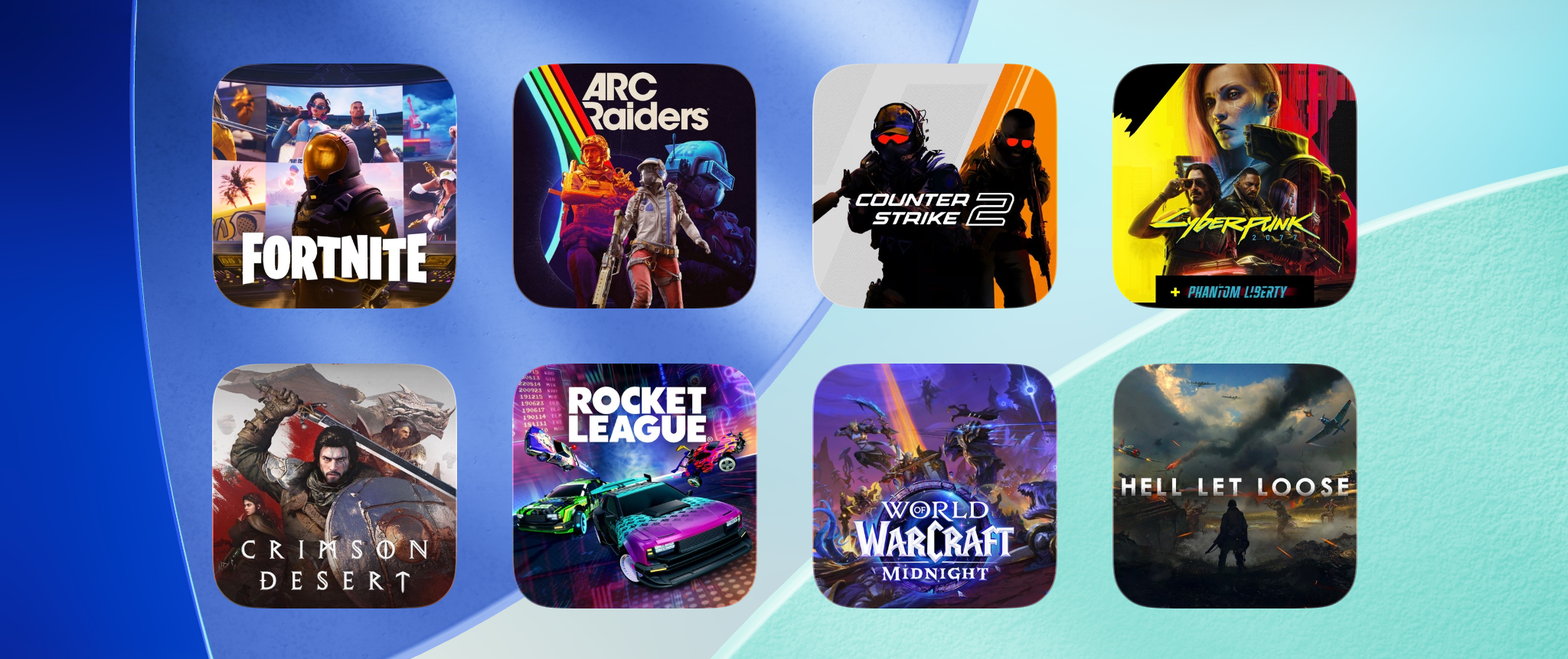
Use Quick Launch bookmarks to jump straight into a specific game on any cloud gaming service, then turn those bookmarks into one-tap widgets on your iOS Home Screen.

Pairing a Bluetooth headset with a mic forces iOS into a low-quality audio mode that muffles game sound. Here's why it happens — and how to fix it.

An overview of our subscription models, lifetime purchase option, and the reasoning behind our pricing structure.
Install CloudGear on your Apple TV from the App Store. It is part of the same purchase, so if you already have CloudGear there is nothing extra to buy. Open it and your Apple TV shows a six-digit code; enter that code in CloudGear on your iPhone or iPad to pair the two, and they stay paired. From then on you browse, sign in, and launch games on your iPhone or iPad, and they play on the Apple TV in up to 4K with HDR10 and 7.1 surround sound. Both devices need to be on the same network. Before you play, turn on Game Mode on your TV. Most TVs apply picture processing that adds noticeable input lag, and Game Mode switches it off. Without it the controls will feel sluggish no matter how fast your connection is, and it is the single biggest difference between a good and a bad experience on the big screen. Two other things catch people out: game controllers should be paired to the Apple TV itself rather than to your iPhone, and if you have more than one Apple TV, only the one currently showing the CloudGear waiting screen will answer, so open CloudGear on whichever TV you want to play on.
A mouse works on iPhone, but iOS adds two wrinkles: you must enable AssistiveTouch before the mouse will do anything, and iPhone won't let apps hide the system cursor, so you'll see both the system cursor and the in-game cursor. Connecting to an external display or using an iPad avoids the double cursor. See our full guide to using a mouse on iPhone.
Rumble support depends on how your controller is connected. Bluetooth has the broadest support and works with Xbox, PlayStation, and Switch controllers, including third-party pads that emulate them (such as 8BitDo). Over USB-C, PlayStation and Switch controllers (and their emulators) generally work, but Xbox controllers do not support rumble at all when wired. If rumble isn't working for you, the first thing to try is disconnecting the cable and pairing the controller over Bluetooth instead.
CloudGear includes its own custom video renderer which is incompatible with Better xCloud's WebGL2-based features such as the clarity boost/sharpener. These features are not supported and cannot be enabled alongside CloudGear's renderer.
Some keyboards do not present themselves to iOS as a "hardware keyboard", which prevents CloudGear from detecting key presses. If this affects you, go to CloudGear Settings and enable "Keyboard compatibility mode", which uses an alternative method to capture key input from these keyboards.
GeForce NOW streams at a fixed set of resolutions, so pick the one with the closest aspect ratio to your device. On iPhone, select a 21:9 resolution such as 3440×1440. On iPad, select 3456×2160 (3.5K), which is 16:10. Small black bars may appear due to the slight aspect ratio difference; use CloudGear's video sizing modes to minimize them. On a 4K TV, select 3840×2160.
Frame pacing is a CloudGear feature that helps prevent dropped frames caused by network jitter — small fluctuations in the time it takes for video frames to arrive. Without frame pacing, these fluctuations can cause visible stutter even on a good connection. Frame pacing smooths this out by buffering one extra frame, adding a tiny amount of latency (16.6ms at 60fps, or 8.3ms at 120fps) in exchange for noticeably smoother playback.
Quick Launch bookmarks are a special type of bookmark that point directly to an individual game rather than a service's home page. Launching one takes you straight into that specific game, bypassing the streaming service's user interface entirely. Save one for each of your favourites and every game is a single tap away.
Long-press on your iOS Home Screen to enter edit mode, then tap the plus (+) button in the top-left corner. Search for "CloudGear" and add the widget. In the widget's edit view, pick any of your bookmarks to assign to it — any bookmark type works, including Quick Launch. Tapping the widget launches that bookmark directly. You can add multiple widgets — one per favourite — and rearrange them as you like. Bookmarks sync via iCloud, so widgets you configure on one device work the same way on others.
Have a question, need support, or just want to talk games? Our community is the place to request support, connect with fellow players, and chat about all things cloud gaming.